
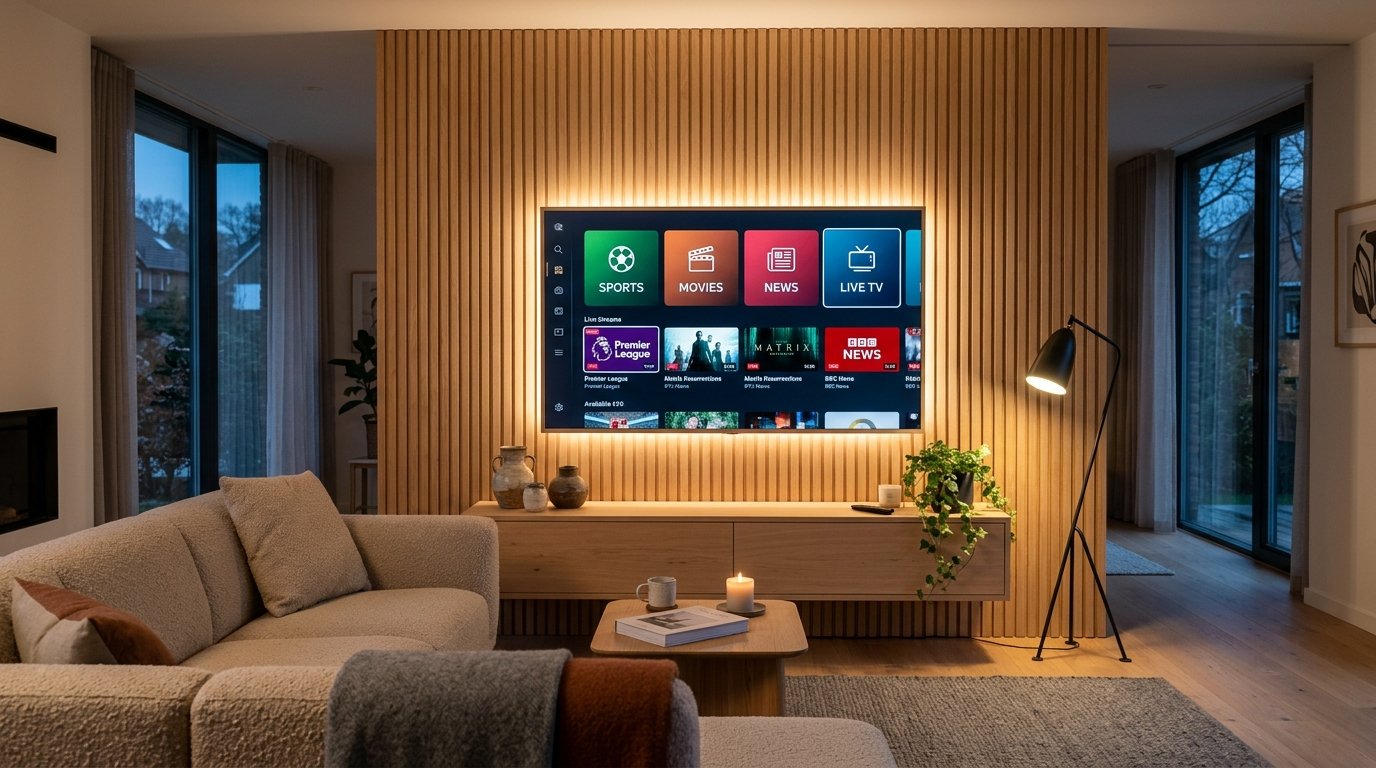
You do not need to spend extra money on an Amazon Fire TV Stick, Apple TV, or Android streaming box if you already own a modern Samsung Smart TV or LG Smart TV. Both television manufacturers feature native app stores that host high-performance IPTV media players capable of streaming 4K Ultra HD broadcasts directly.
1. Native Smart TV vs External Streaming Sticks
Running IPTV natively on your Smart TV means using your TV's original Magic Remote or One Remote. There are no additional HDMI cords, no extra power bricks, and no remote control clutter in your living room.
2. Top 3 IPTV Apps for Samsung & LG Smart TVs
- IBO Player (Top Recommendation): Ultra-fast channel loading, modern dark-mode interface, flawless EPG sync, and exceptional stability on both webOS and Tizen.
- Smart IPTV (SIPTV): The pioneer of Smart TV streaming. Extremely reliable, classic layout, and low memory consumption.
- SET IPTV / Nanomid Player: Excellent modern players with Xtream Codes API support and fast category filtering.
3. Step-by-Step: Samsung Smart TV (Tizen OS)
- Turn on your Samsung Smart TV and press the Home button on your remote control.
- Navigate to the Apps icon (magnifying glass / store).
- Search for "IBO Player" (or Smart IPTV).
- Click Install and wait for the download to complete.
- Launch the application from your home screen ribbon.
4. Step-by-Step: LG Smart TV (webOS)
- Press the Home button on your LG Magic Remote.
- Open the LG Content Store (or Apps tab on webOS 23/24).
- Search for "IBO Player".
- Select Install and launch the application once installed.
5. Locating Your TV MAC Address & Device Key
Upon launching IBO Player or Smart IPTV for the very first time, an activation screen will appear prominently displaying two vital pieces of information:
Device MAC Address: e.g., 00:1a:79:xx:xx:xx or a4:c3:61:xx:xx:xx
Device Key: A 6-digit security PIN (e.g., 589214)
6. Instant 2-Minute WhatsApp Assisted Activation
While you can visit the app developer's website to upload your M3U playlist link manually, 4K IPTV Live offers a zero-effort VIP service:
Simply take a quick photo of your TV screen showing the MAC Address and send it to our 24/7 WhatsApp customer desk at +33644650967. Our technical support team will remotely link your high-speed 4K playlist, categorize your sports channels, and activate your subscription in under 120 seconds!
7. Best Picture Settings for Live 4K Sports
To ensure buttery-smooth motion during fast-paced soccer, football, and racing broadcasts, configure your TV settings as follows:
- Picture Mode: Set to Natural or Cinema Home (avoid overly bright "Vivid" mode which crushes color contrast).
- Motion Interpolation (Auto Motion Plus / TruMotion): Set to Custom with Judder Reduction at
3to eliminate soap-opera effect while keeping ball motion crisp. - HDMI UHD Color: Set to Enabled for wide dynamic range HDR.