
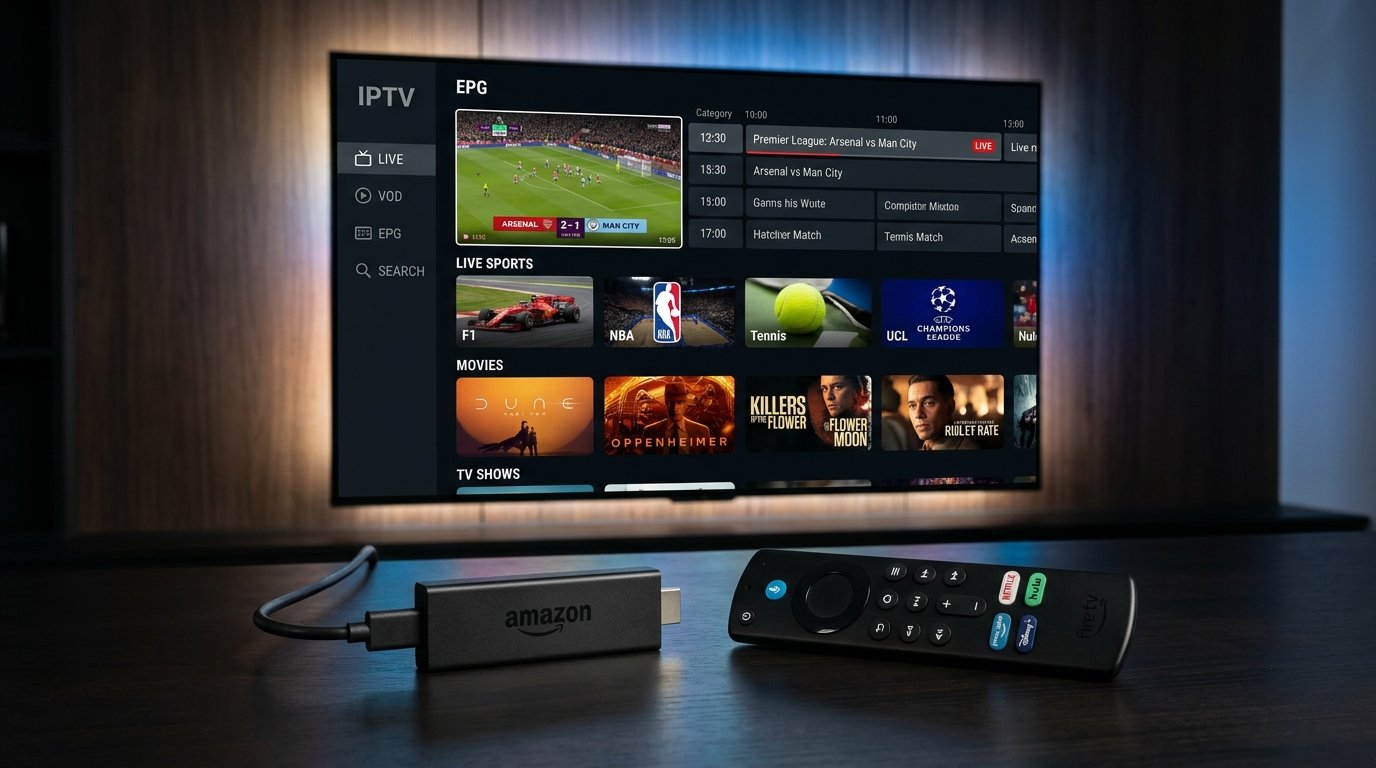
If you recently joined the cord-cutting movement with 4K IPTV Live, choosing the right IPTV player application is the single most important technical decision you will make. While the IPTV server provides the stream signals, the player application is responsible for hardware decoding, buffer management, EPG synchronization, and remote-control responsiveness.
1. Why Your IPTV App Choice Matters
A poorly optimized video player can cause micro-stuttering, audio desynchronization, and sluggish menu navigation—even when your internet connection is lightning fast. In contrast, an elite IPTV player leverages your device's GPU hardware acceleration to render pristine 4K video at a fluid 60 frames per second.
Below, our technical team analyzes the best IPTV players available in 2026 for Amazon Fire TV Stick 4K Max, Fire TV Cube, Google TV, Nvidia Shield, and Android boxes.
2. TiviMate: The Undisputed Gold Standard for Firestick & Android TV
Widely revered among streaming enthusiasts as the pinnacle of IPTV interfaces, TiviMate IPTV Player is specifically engineered for TV remote controls and large screens:
- Modern Cable-Like EPG: Navigate hundreds of channels smoothly with an Electronic Program Guide that rivals or exceeds Comcast Xfinity and Sky TV.
- Multi-Screen View: Watch up to 4 live sporting events simultaneously on a single screen without lag.
- Catch-Up & Scheduled Recording: Record your favorite live shows directly to your Firestick USB storage or local network drive (NAS).
- Instant Channel Zapping: Zero-second channel switching thanks to aggressive stream pre-buffering.
- Multiple Playlist Support: Seamlessly switch between multiple M3U playlists or Xtream Codes servers.
To use TiviMate with 4K IPTV Live, simply select Add Playlist ➔ Xtream Codes, and enter the Server URL, Username, and Password sent to your WhatsApp immediately upon activation.
3. IPTV Smarters Pro: The Universal Champion Across All Platforms
If you watch television across multiple devices (such as a Firestick in the living room, an iPhone on your commute, and a Samsung Smart TV in the bedroom), IPTV Smarters Pro is the undisputed versatility leader:
- Cross-Platform Compatibility: Available for Android, Firestick, iOS (Apple Store), Windows, macOS, Samsung Tizen, and LG webOS.
- Xtream Codes API Integration: Auto-loads Live TV, Movies, and Series categories with metadata, posters, and IMDb ratings.
- Integrated Parental Controls: Easily lock adult or sensitive channels with a 4-digit master PIN.
- Built-In Speed Test: Test your internet throughput directly within the application to diagnose bandwidth dips.
4. XCIPTV & IBO Player: Ultra-Lightweight Alternatives
If you own an older 1st or 2nd generation Firestick with limited RAM (1GB or less), heavy interfaces can sometimes feel sluggish. In such cases, lightweight options are ideal:
XCIPTV Player: Offers dual built-in players (ExoPlayer and VLC Player) with minimal memory overhead. Its tile-based navigation is fast, modern, and reliable.
IBO Player: A fast, premium player that has gained huge popularity on Smart TVs and Fire TV. It requires no complex configuration—simply link your MAC address to your subscription.
5. How to Install IPTV Apps on Firestick via Downloader
Because some IPTV players are not listed on the official Amazon Appstore, the standard installation method is sideloading via the trusted Downloader app:
- Install Downloader: From your Firestick home screen, search for "Downloader" and install the orange app from AFTVnews.
- Enable Developer Options: Go to Settings ➔ My Fire TV ➔ About. Click on your Fire TV Stick name rapidly 7 times until you see "You are now a developer."
- Allow Downloader: Return to Settings ➔ My Fire TV ➔ Developer Options ➔ Install unknown apps, and turn Downloader to ON.
- Enter Quick Code: Open Downloader and enter the direct quick code for your preferred app (e.g., TiviMate:
272483or Smarters:250931). - Install & Open: Download the APK, click Install, and launch the app.
6. Optimal Player Settings to Prevent Buffering
To squeeze the maximum stability from your hardware, configure these settings in TiviMate or IPTV Smarters:
- Stream Format: Change from
MPEG-TStoHLS (.m3u8)in playlist settings for superior adaptive bitrate streaming. - Video Decoder: Set to Hardware Acceleration (MediaCodec) to offload 4K decoding to your TV's GPU chip.
- Buffer Size: Set buffer size to Medium (3 to 5 seconds) or Large (10 seconds). This allows the app to store incoming video chunks and survive minor home Wi-Fi spikes.
7. Final Recommendation & Instant Setup
For Firestick and Android TV users, TiviMate Premium paired with 4K IPTV Live offers the most luxurious television viewing experience available today. If you need multi-device support on iOS or Smart TVs, IPTV Smarters Pro is your top choice.
Ready to test these apps with 25,000+ live channels, 60,000+ on-demand movies, and zero buffering? Contact our team on WhatsApp for instant 3-minute setup!